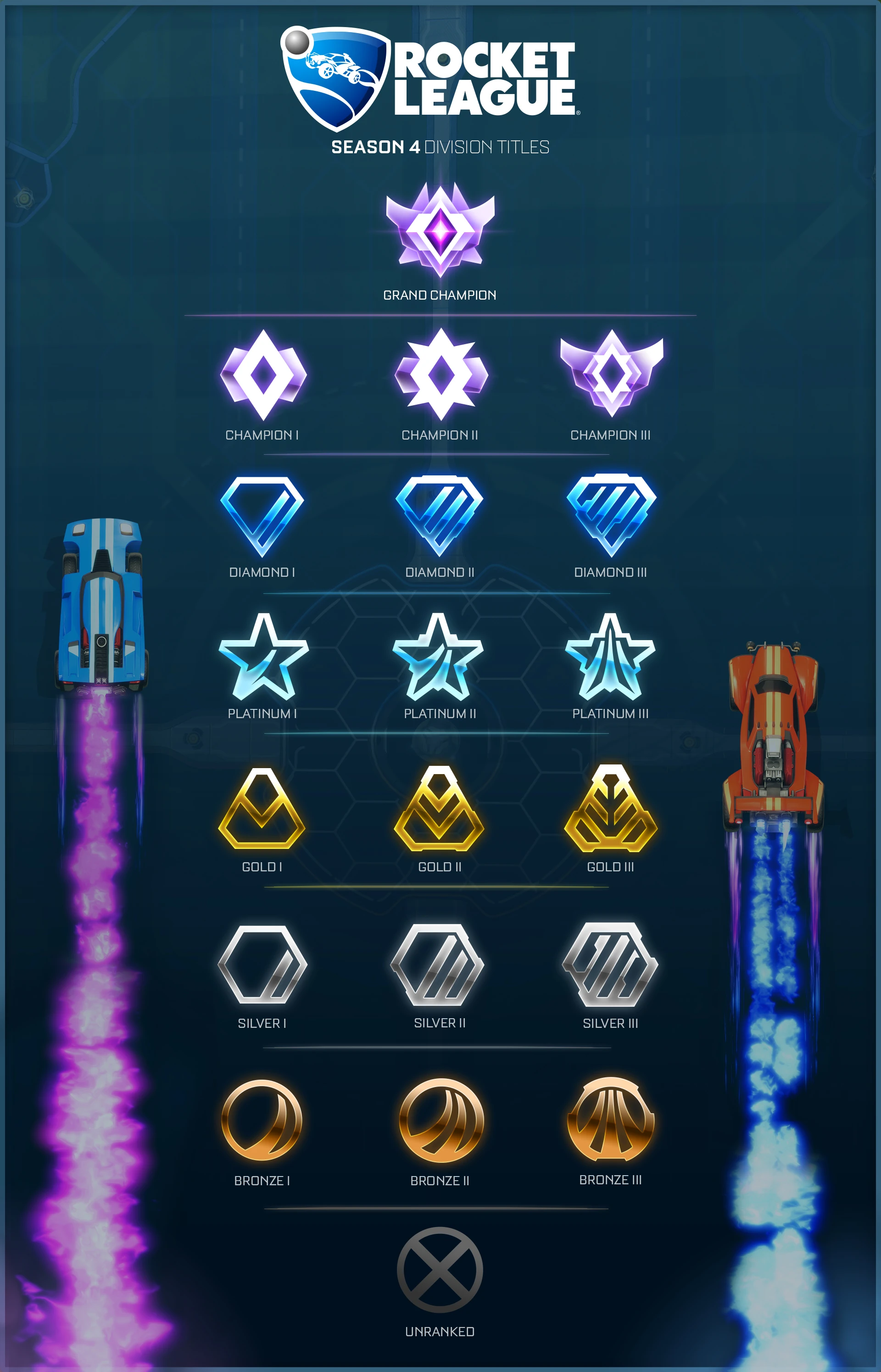
If you are new to Rocket League, then when you dive into ranked matches you will more than likely be placed into the Bronze ranks. There are three tiers in this rank, Bronze one, two, and three. In order to get out of Bronze ranks and into silver you must be consistently winning games. Below I will list the things that I learned playing on my new account that allowed me to promote into silver.
Tips to get out of Bronze:
- Shot Accuracy
- Work your way through the “Striker” preloaded training pack.
- At this rank all you really need to do is be able to put the ball on frame and you will have a really good chance of it going in.
- Speed of Play
- Go into normal “Free Play” and practice hitting the ball around at max speed. Get used to making adjustments going at this speed so that you will be able to play at a much faster pace than your opponents.
- More than anything, just focus on consistently hitting the ball in the direction you want.
- Aerial Ability
- Practice using the “Rookie” and “Pro” difficulty in preloaded “Aerial” training pack.
- This isn’t as crucial, but knowing how to aerial this early in the game will help you a lot in later ranks.

Xbox Gamertag: Potato Plays RL
MMR: 524
Rank: Gold One Division One
I have played a total of eleven games on my new account. I ended up getting a good teammate in a few of my placement games and even with me not playing or messing around they managed to still win the game. So I have won a total of seven games of my eleven played. Sadly, that made it so I was placed straight into Silver Three and after my next win I was promoted into Gold One. That being said, I am still going to make my next post about going from bronze to silver. I also realized that something that some people take for granted when they start playing the game are the best settings to use. The truth is there are no perfect settings. You should make your settings based on your preferences. I’m going to give my suggestions, but you by no means need to follow everything that I do. I think it’s a good idea to turn off “Camera Shake” so that your screen doesnt jitter everytime that you hit the ball or flip your car. I think that this can get very annoying. Another thing I suggest is turning your controller vibration off so that you won’t be affected as much when hitting balls or boosting. Lastly, it is a good idea to go into “Free Play” and adjust your camera settings to what you think is best for you. I will leave my camera settings below so that you can try it out and adjust it to what will work for you.
Field of View: 110
Distance: 270
Height: 90
Angle: -5
Stiffness: 0.45
Swivel Speed: 4.20
Transition Speed: 1.20

 A Potato's Guide to Rocket League